The content on this page was last updated on November 20, 2023.
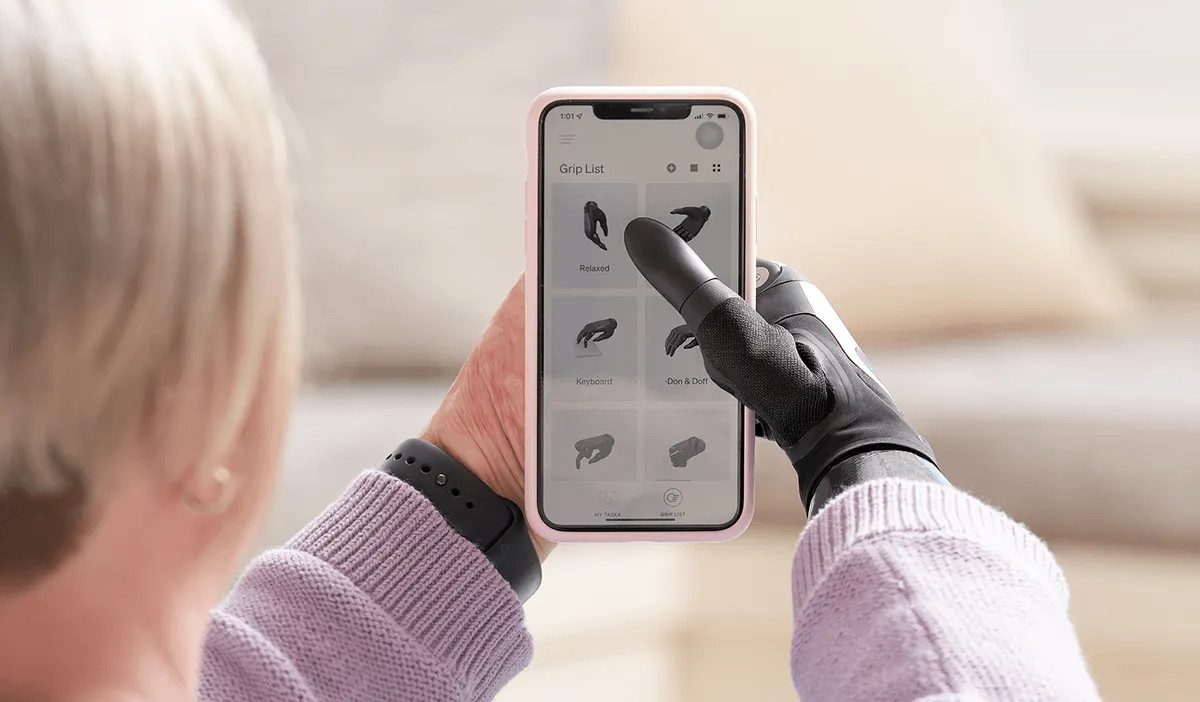
This content explains how you can delete your account from the MyTASKA app, and how you can contact us should you require any assistance to do so.
To delete your account, simply do one of the following:
1. Within MyTASKA app, access the My Profile screen from main menu, then select 'Delete Profile'; or 2. Request that your account be deleted by emailing support@taskaprosthetics.com
When you delete your MyTASKA account, all information that is associated with your account will be deleted from TASKA's systems.
If you want to learn more about data collection and retention, please refer to TASKA Privacy Policy here: https://www.taskaprosthetics.com/support/privacy-policy
If you have any questions about deleting your account from MyTASKA, or any other queries related to MyTASKA you can:
Email us at: support@taskaprosthetics.com
or
Write to us at: Data Privacy Officer, TASKA Prosthetics 10 Nelson Street, Christchurch, Canterbury, 8011
To find the complete TASKA Privacy Policy, visit: https://www.taskaprosthetics.com/support/privacy-policy


