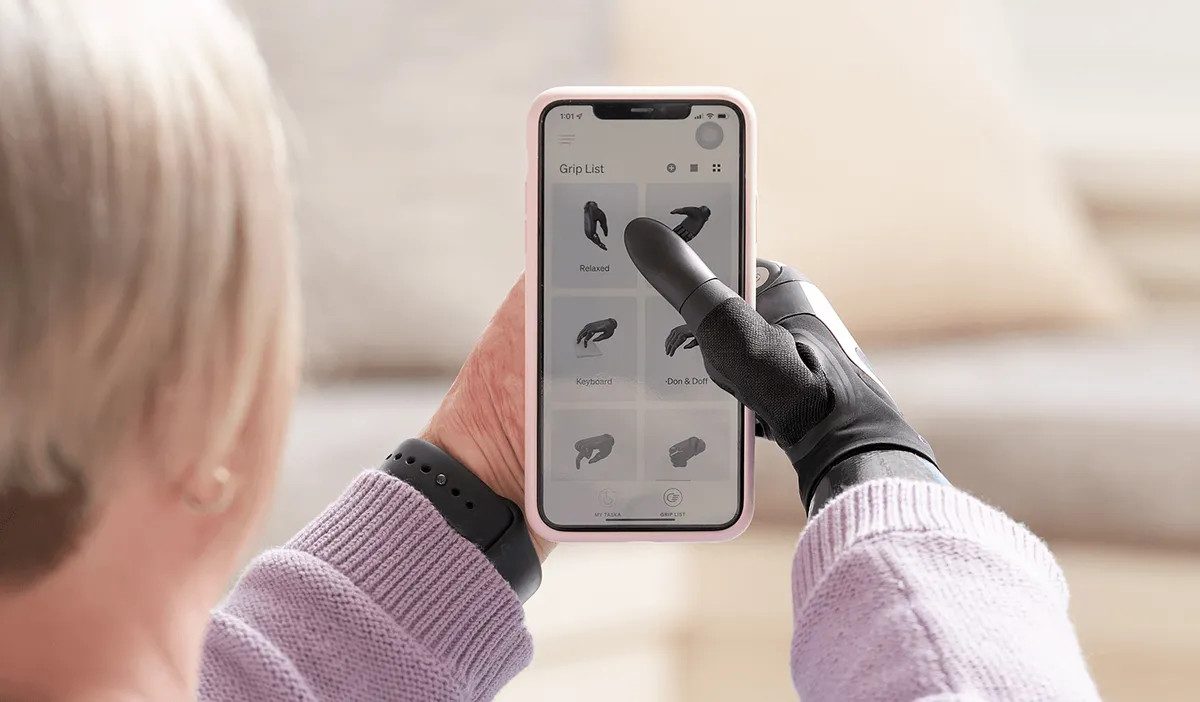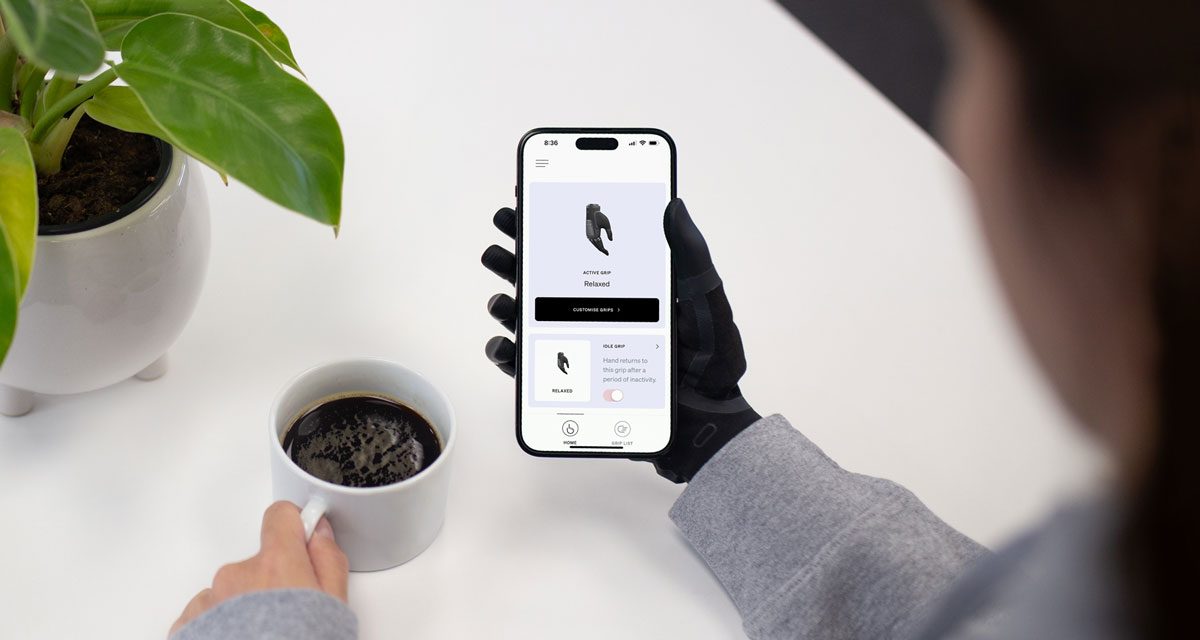
Designed for those using a myoelectric prosthetic TASKA Hand, the MyTASKA app simplifies the process of controlling their hand, providing greater independence and efficiency.
Prosthetic control has long been a challenge for individuals with a limb difference. MyTASKA was developed – and is constantly evolving – to offer a new level of control and convenience for TASKA users.
Customisable grip patterns
With easy access to customisable settings and grips for the TASKA Hand, the MyTASKA app offers a user-friendly interface where users can add, remove, and reorder grips, creating a configuration that works best for them. **The app features a library of 18 preconfigured grips as well as 5 slots for custom grips**, from precision grips for delicate tasks to power grips for more robust actions. Users can select their grips of choice and customise them to their hand.
Operational information
The app offers a dashboard where users can check the hand’s operational state including battery life, and control signal strength. Users can configure Lock Mode and Idle Grip in the best way to suit their needs and customise backup settings to easily access previous configurations.
Built-in games
Users new to prosthetic devices, or those wanting to refine their skills will benefit from three built-in games found in the MyTASKA app. The games will help them hone signal accuracy and improve control of their TASKA Hand, from refining clear ‘open’ and ‘close’ signals to practicing EMG (electromyography) proportional control.
MyTASKA app for clinicians
The pack of features of MyTASKA goes even further for certified clinicians fitting a TASKA Hand. With its latest update (version 23.11.0), the app can query more sensor readings simultaneously, letting clinicians see more details of the hand usage through a smoother sensor graph. Clinician settings also allow the healthcare provider to configure sensor gain, sensor smoothing, grip trigger parameters, and others.
To download the MyTASKA app, follow the links below:
Download on the App Store