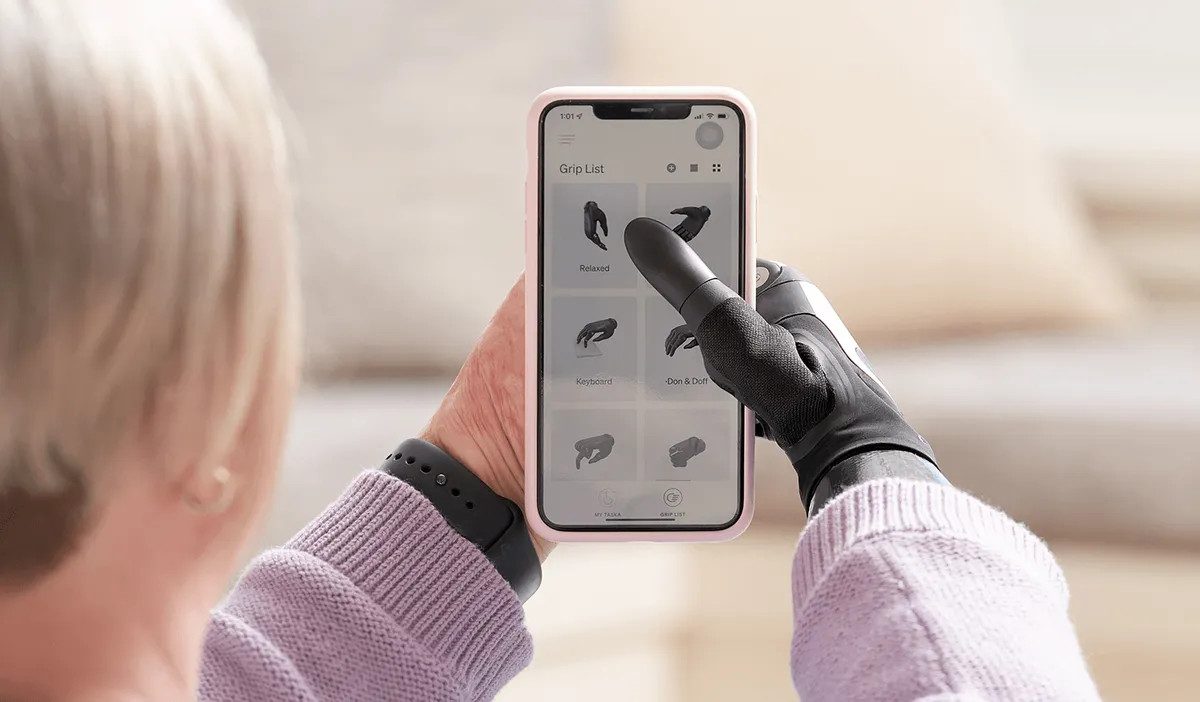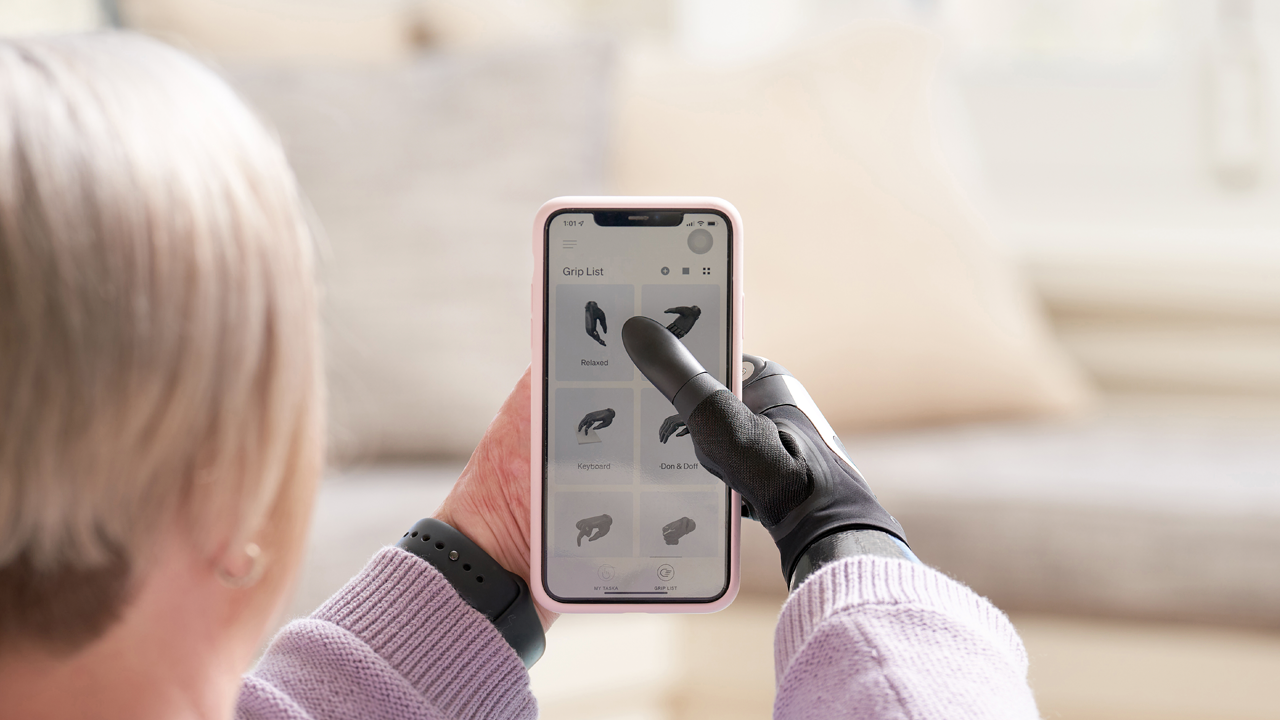
The latest MyTASKA update brings more control, choice and confidence to your TASKA hand, with two new features. You can now check and control your hand just by talking to Siri on your iPhone or iPad, no need to open the app, and there is a new MyoTriggers training game to help you build skill and confidence.
Voice control with Siri
Just say a command, and MyTASKA connects to your hand over Bluetooth, carries it out, and Siri reads the result back to you in your own language (available in English and German in this update only) In most cases it all happens quietly in the background, without ever opening the app on your screen. Eight commands are available at launch:
- Switch grip: “Hey Siri, switch my MyTASKA hand grip to [grip name]”
- Check active grip: “Hey Siri, what's my active MyTASKA hand grip”
- Check sound mode: “Hey Siri, is my MyTASKA hand's sound on”
- Turn sound on: “Hey Siri, turn on my MyTASKA hand's sound”
- Turn sound off: “Hey Siri, mute my MyTASKA hand”
- Check lock status: “Hey Siri, is my MyTASKA hand locked”
- Lock hand (CX only): “Hey Siri, lock my MyTASKA hand”
- Unlock hand (CX only): “Hey Siri, unlock my MyTASKA hand”
Grip commands recognise every grip in your library, both built in and custom, and stay up to date as your library changes. Each command also accepts several natural ways of phrasing it, so it feels intuitive to use.
What you should know about voice control
- Voice control is off by default after you update: Once you update to the latest version of MyTASKA, voice control with Siri is not active automatically. If you speak a command to Siri intended for MyTASKA, the app will open to a "Voice Control" page rather than acting on the command - this page includes an "Enable Voice Control" option, which is switched off by default.
- How to turn voice control on: From the "Voice Control" page within MyTASKA, toggle on "Enable Voice Control." You'll see a warning outlining the potential risks of using voice commands with your device. You'll need to confirm you understand this warning before voice control is activated.
- How to turn voice control off: Voice control is managed directly within the MyTASKA app, not through your device's Settings app. Simply return to the "Voice Control" page in MyTASKA and toggle "Enable Voice Control" off at any time.
- Note on iPhone Siri settings: Adjusting Siri-related toggles under Settings > Siri & Search > MyTASKA (such as "Learn from this App" or "Suggestions") does not enable or disable Siri's ability to work with MyTASKA - these only affect whether Siri learns from app usage and offers suggestions. iOS does not currently support enabling/disabling Siri integration on a per-app basis, so voice control must be managed using the in-app toggle described above.
- An Apple feature, not a TASKA safety control: Voice control is powered by Apple’s Siri, not a TASKA safety feature. Siri is a third-party, Apple-provided service. TASKA does not develop, control or certify Siri’s speech recognition, and its accuracy depends on Apple’s technology and your device settings, not on TASKA.
- Recognition performance can vary: Recognition can be affected by your accent, speaking volume, background noise, Bluetooth/internet connectivity, Siri availability, and future Apple software updates. In a noisy or crowded environment, a command may occasionally be missed, misheard, or need to be repeated.
- Built-in safeguards: Every command is limited to a small, defined set of actions (grip switching, lock/unlock on CX, sound on/off, and status checks). Siri also confirms each action out loud right after it happens, so you always know what your hand just did and can immediately take further action if the result was not what you expected.
- Manual override is always available: Your hand’s physical controls always work, regardless of voice control. You can override or change your hand’s grip, lock state or sound at any time using the buttons on the hand itself.
- Privacy: Your voice commands are processed by Siri through Apple’s own service under Apple’s privacy terms. TASKA does not receive, access or store your voice recordings.
- What you need: Voice control requires an iPhone or iPad on iOS 16 or later, your hand set as the default/primary device in MyTASKA, Bluetooth turned on, and Siri set to English or German (the only languages supported in this update).
- After you update: Please read this information carefully after updating. If you have any safety concerns or would simply prefer not to use voice control, we recommend disabling it via iOS Settings straight away, or testing commands in a calm, quiet setting first before relying on it.
MyoTriggers Training Game
This latest MyTASKA update also introduces a new MyTASKA training game. Like our existing training games, it focuses on one specific skill to help you build confidence with your TASKA hand, in this case, triggering MyoTriggers.
To find it, open the menu, go to Training Games, and scroll down to the new MyoTriggers game, where an instructions page shows your high score, leaderboard position, MyoTriggers completed and overall accuracy. From here you can practise or play.
Practice mode walks you through a single MyoTrigger step by step, so you can learn the basics before focusing on timing and accuracy.
In Play, you collect points by gathering tokens and completing MyoTriggers, and pick up fuel to keep going until it runs out, starting with one MyoTrigger and unlocking more as you hit 80% accuracy. At the end, a results screen breaks down your overall score, successful MyoTriggers and accuracy.
Together, these updates are one more step in the ongoing evolution of the MyTASKA ecosystem, designed to give users greater confidence, control and independence in everyday life.
Available September 2026. To access these new features, please update the MyTASKA app via the App Store from this date.