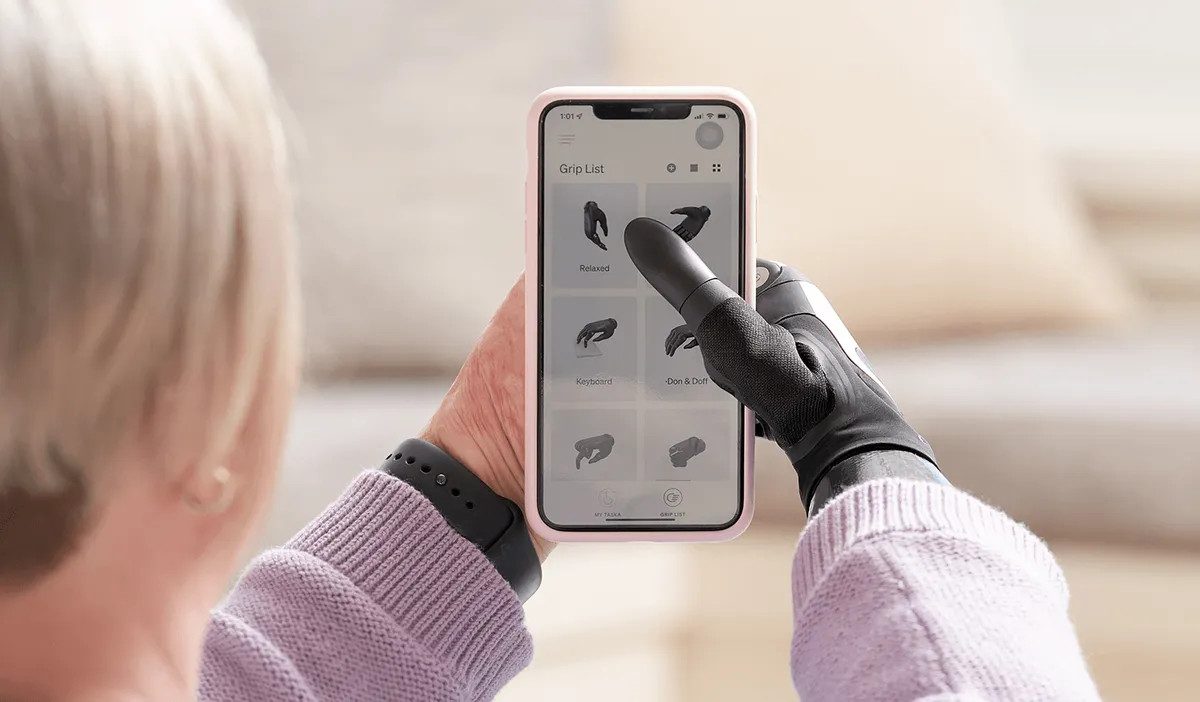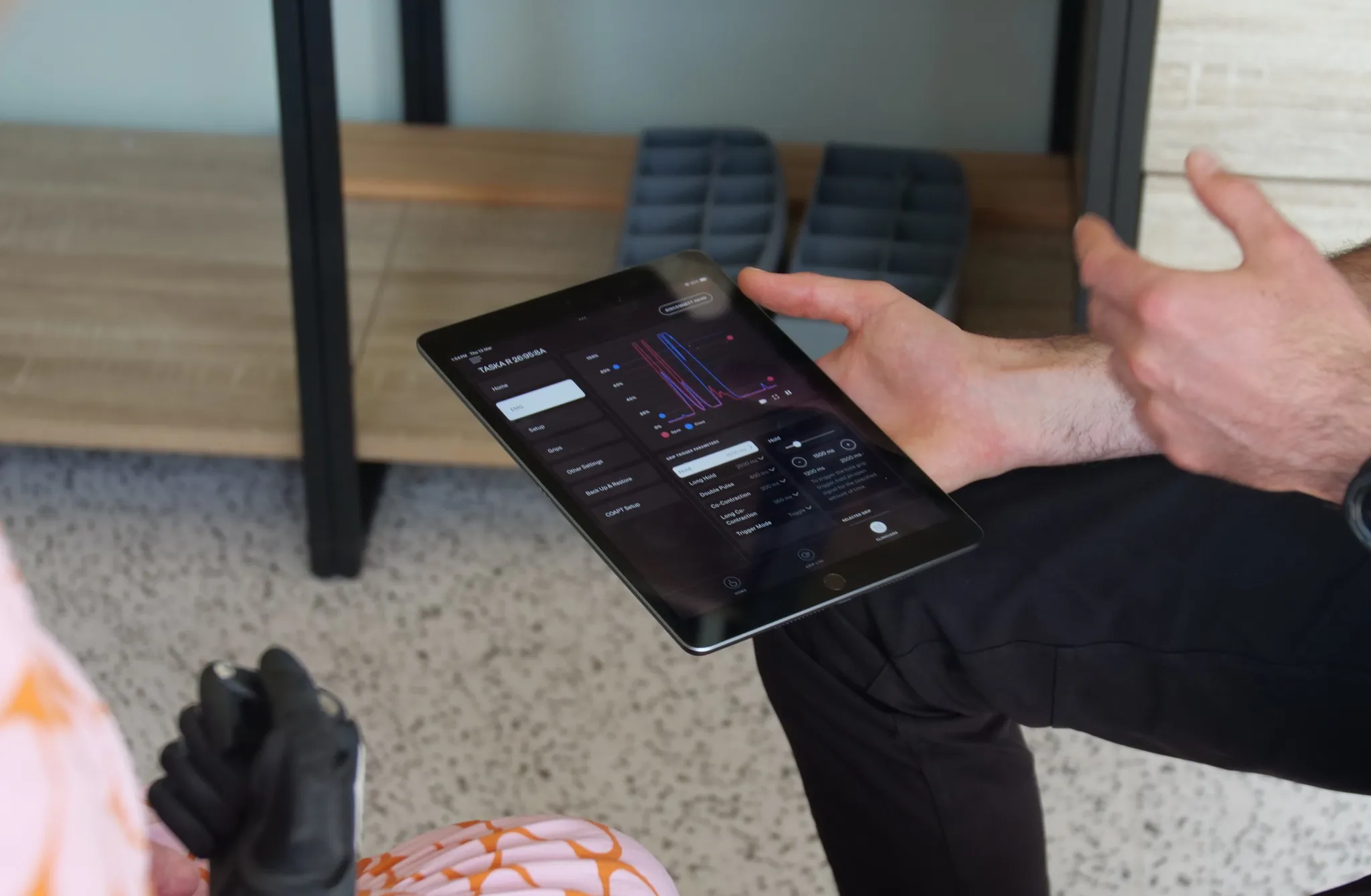
MyTASKA is at the centre of digital innovation, customisation, and control of the TASKA hand. As we continue to enhance the platform, clinicians and users will see a smoother and more capable experience that better supports real-world use.
As part of these ongoing improvements, we are focusing development of MyTASKA on the platforms most used by clinicians and users.
What's changing
The September 2026 MyTASKA release will not be available on Windows.
From 1 December 2026, Windows will no longer be a supported platform for MyTASKA. While the application may continue to function on Windows devices, we will no longer provide technical support, bug fixes, compatibility updates, or future feature releases for Windows users.
Why we are making this change
Focusing development on our primary platforms allows us to prioritise the features, improvements, and updates that matter most to clinicians and users.
By concentrating our efforts in fewer areas, we can deliver updates faster, improve the overall MyTASKA experience, and continue investing in the features that support clinical workflows and user outcomes.
What to use instead
MyTASKA will continue to be fully supported on:
- iOS
- Android
For clinicians, we recommend using MyTASKA on an iPad for the best overall experience. The larger display, stability, and performance of iPadOS provides a smooth workflow during fittings, adjustments, and training sessions.
FAQ
Why is Windows support ending?
To support ongoing improvements to MyTASKA, we are focusing development on the platforms most used by clinicians and users. This allows us to prioritise new features, improvements, and updates more effectively.
What happens after 1 December 2026?
MyTASKA may continue to function on Windows devices, however Windows will no longer be a supported platform. We will no longer provide technical support, bug fixes, compatibility updates, or future feature releases for Windows users.
What platform should I migrate to?
MyTASKA will continue to be fully supported on iOS and Android. For clinicians, we recommend iPad for the best overall experience.
Will my settings and data transfer?
Your MyTASKA settings and data are associated with your account rather than your Windows device. When you sign in on a supported device, your settings will be available through MyTASKA.